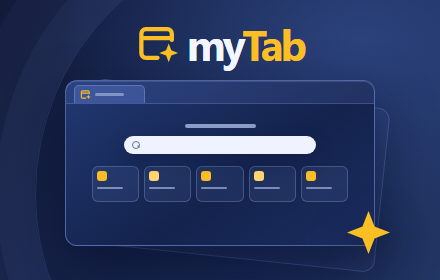
Open a new tab in Chrome and make it yours. myTab brings together the sites you use most, your choice of search engine, and a wallpaper library that works offline. Set it up once and your preferences stay on this device.
Make it yours
– Keep your favourite sites close. Add shortcuts from the built-in catalogue or paste a website address. Select Customise to drag them into order or remove the ones you no longer need.
– Search with the provider you prefer. Choose DuckDuckGo, Brave Search, Startpage, Google, Bing or Kagi. When you submit a search, Chrome goes directly to your chosen provider.
– Give your new tab a different look. Choose a solid colour, a bundled gradient, a photo from the offline wallpaper library, or an image from your device. Adjust the accent colour, layout and wallpaper dimming to suit you.
– Take a backup. Export your settings and shortcuts as a JSON file and import it when you need to restore them.
Private by default
myTab keeps your settings, shortcuts and uploaded wallpapers in Chrome’s local extension storage. The core experience works without an account, analytics or advertising trackers. The bundled wallpaper library is available offline.
The Frequent Sites and Recent History widgets are optional and display Chrome data locally. If you enable weather, myTab sends the city you enter to Open-Meteo to look up its location and forecast. If you request an online shortcut thumbnail, myTab sends the selected website URL to WordPress.com’s mShots service. Letter badges and solid-colour icons stay on your device.
You can read the full privacy policy from Settings → Data → Read the myTab Privacy Policy. It opens right inside the extension.
Get started
Once myTab is installed, open a new tab and select the settings cog in the top-right corner. To pick your first wallpaper, go to Appearance → Browse wallpaper library. To add a favourite site, select the + tile under Your links.